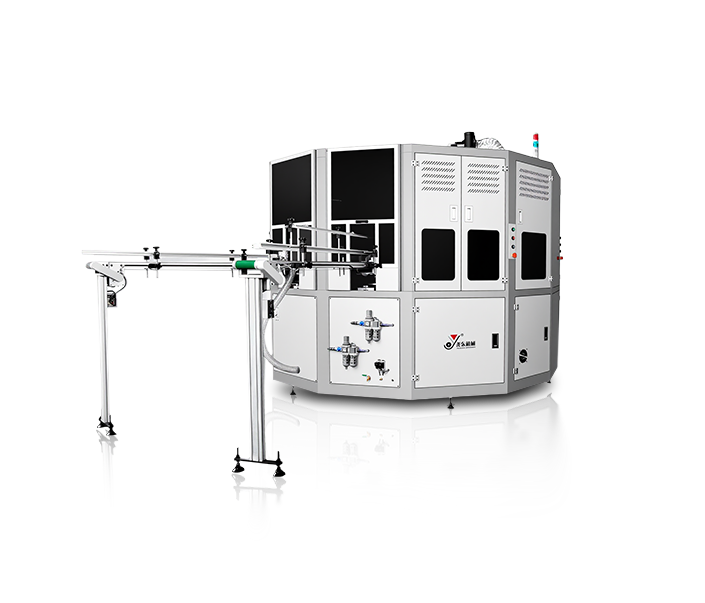
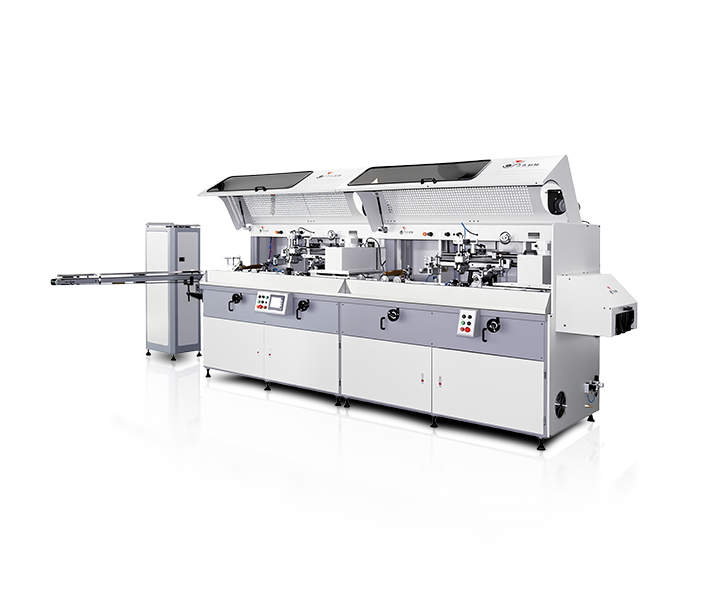
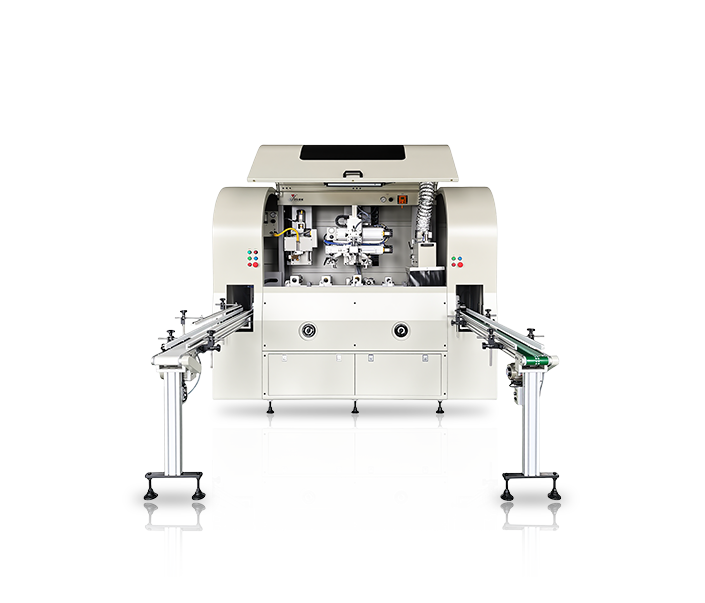
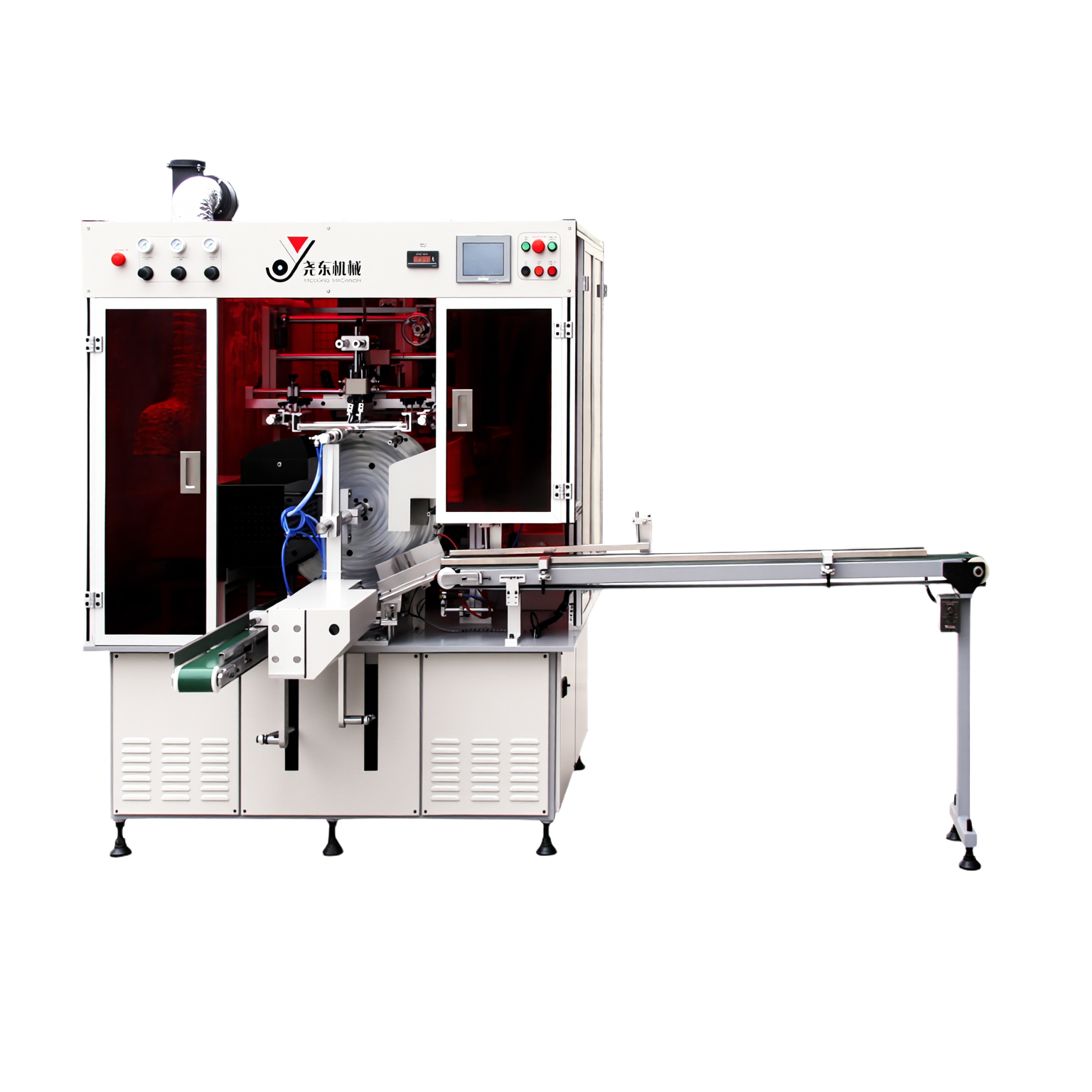
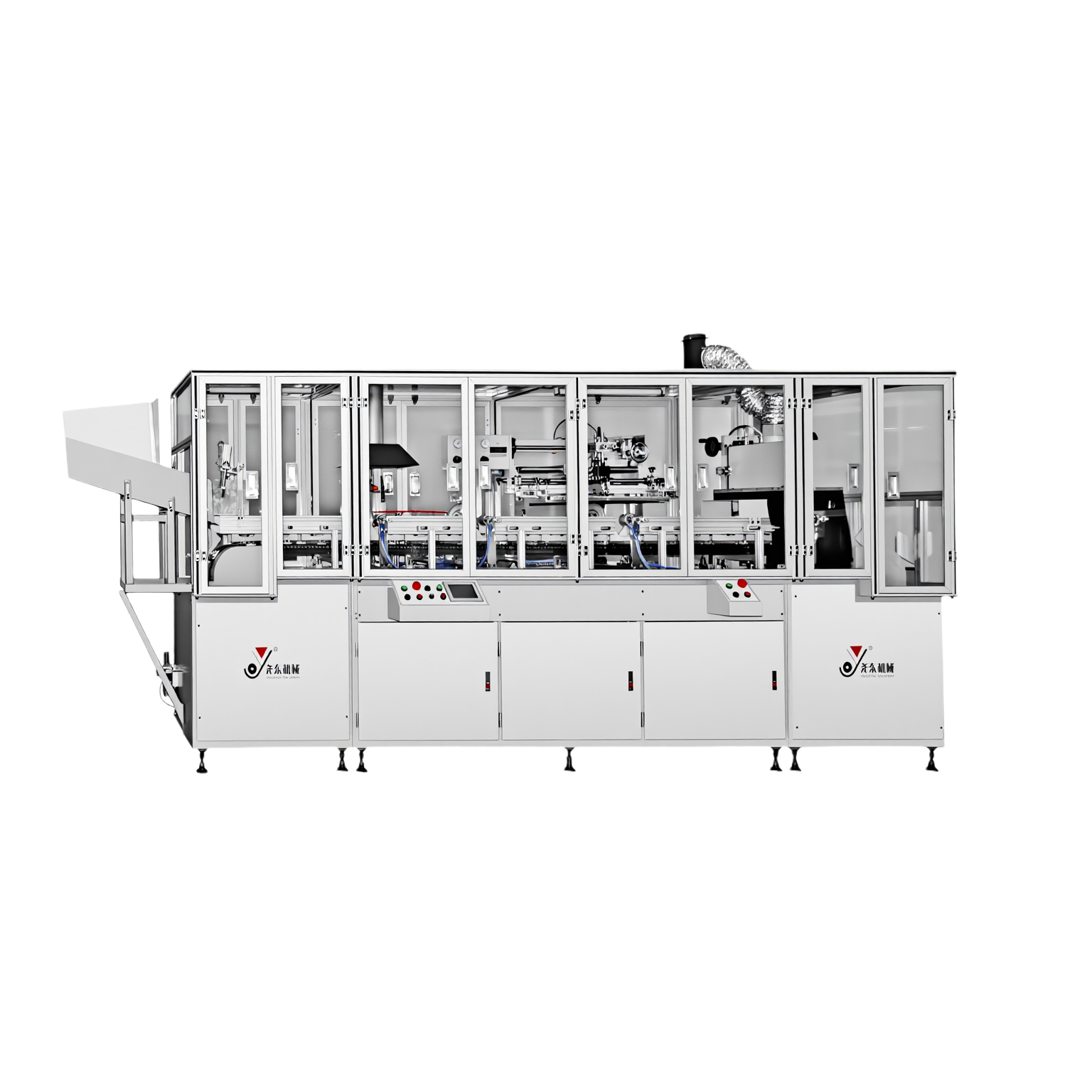
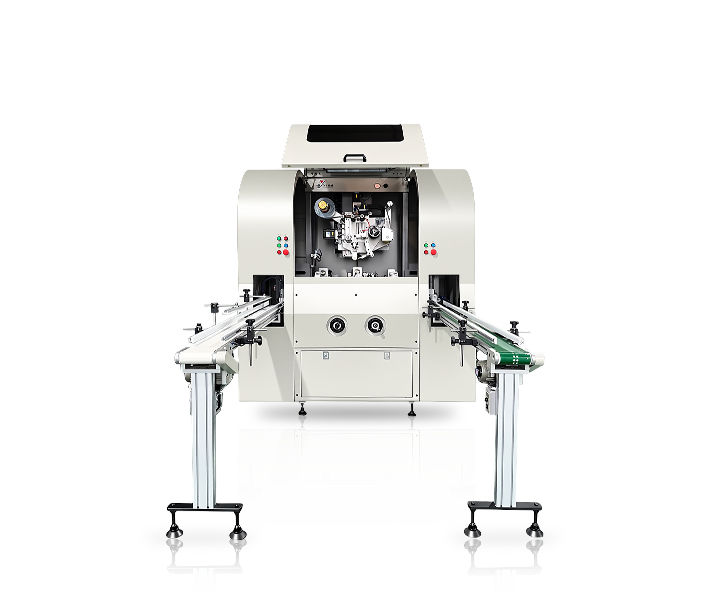
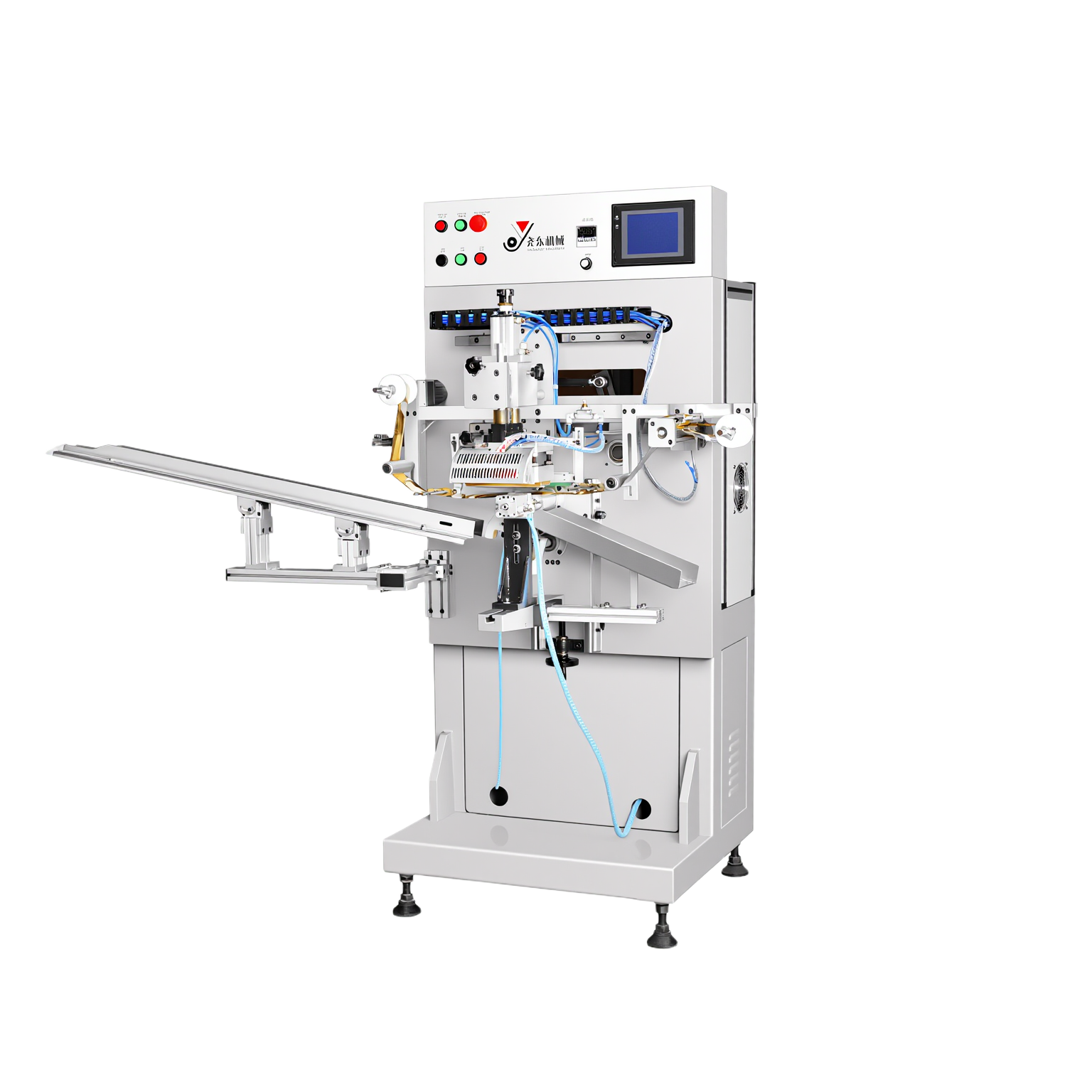
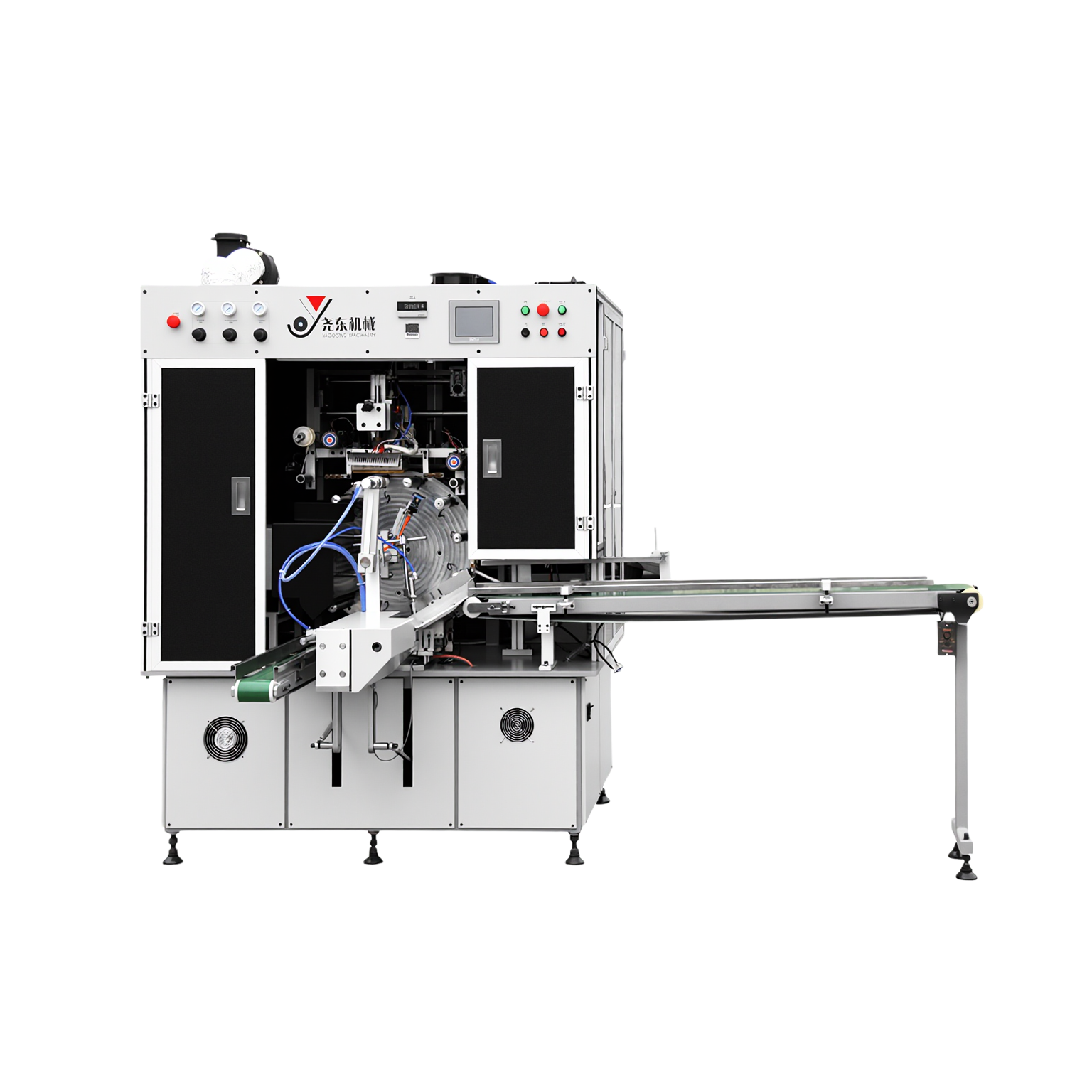
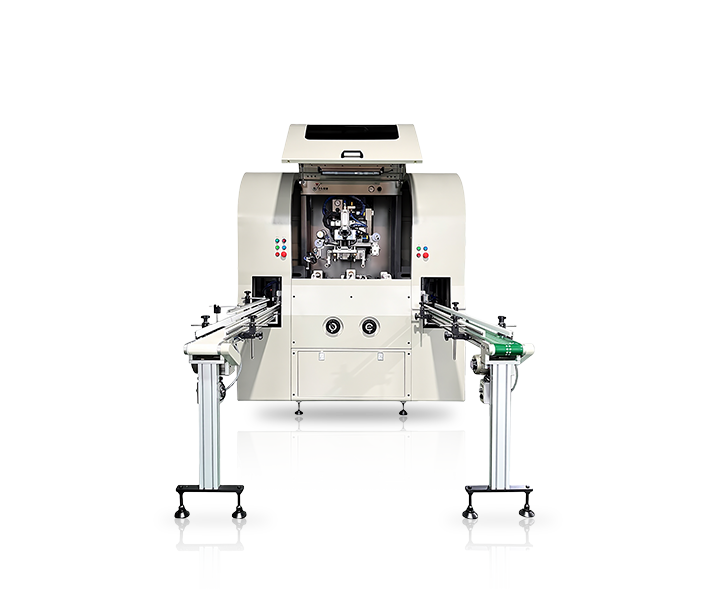
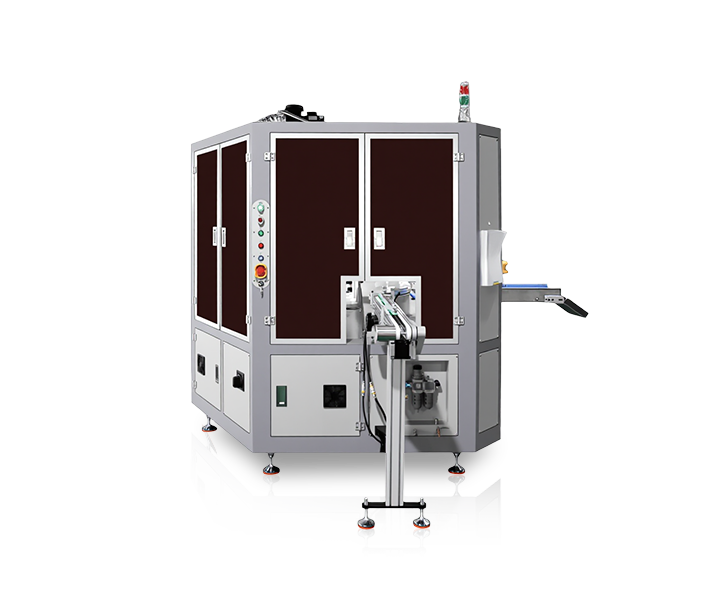
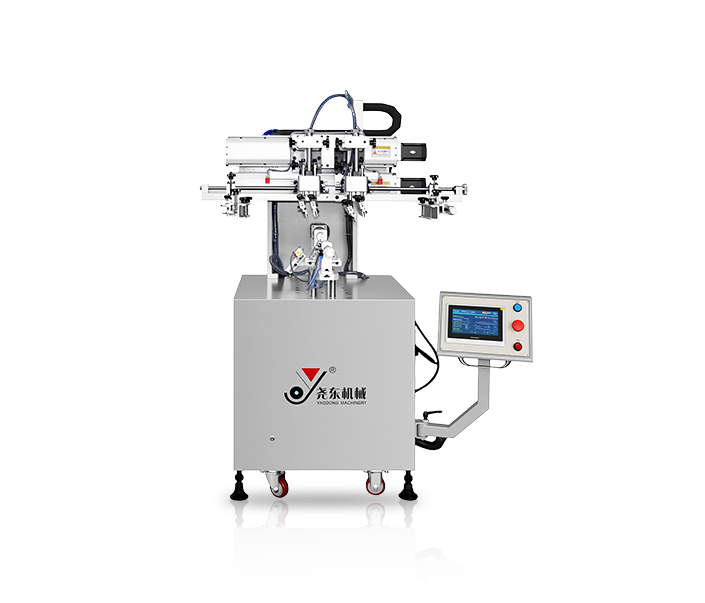
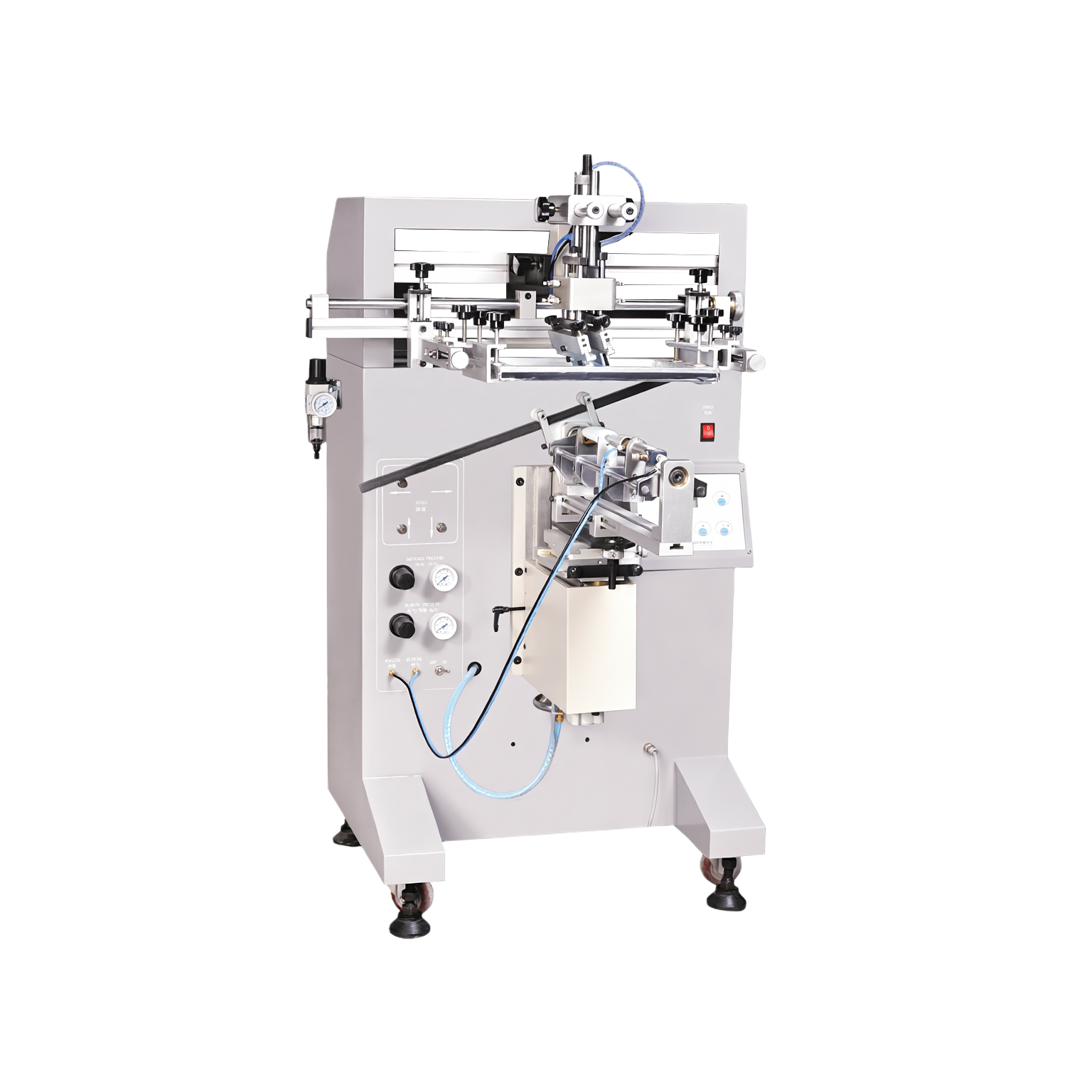
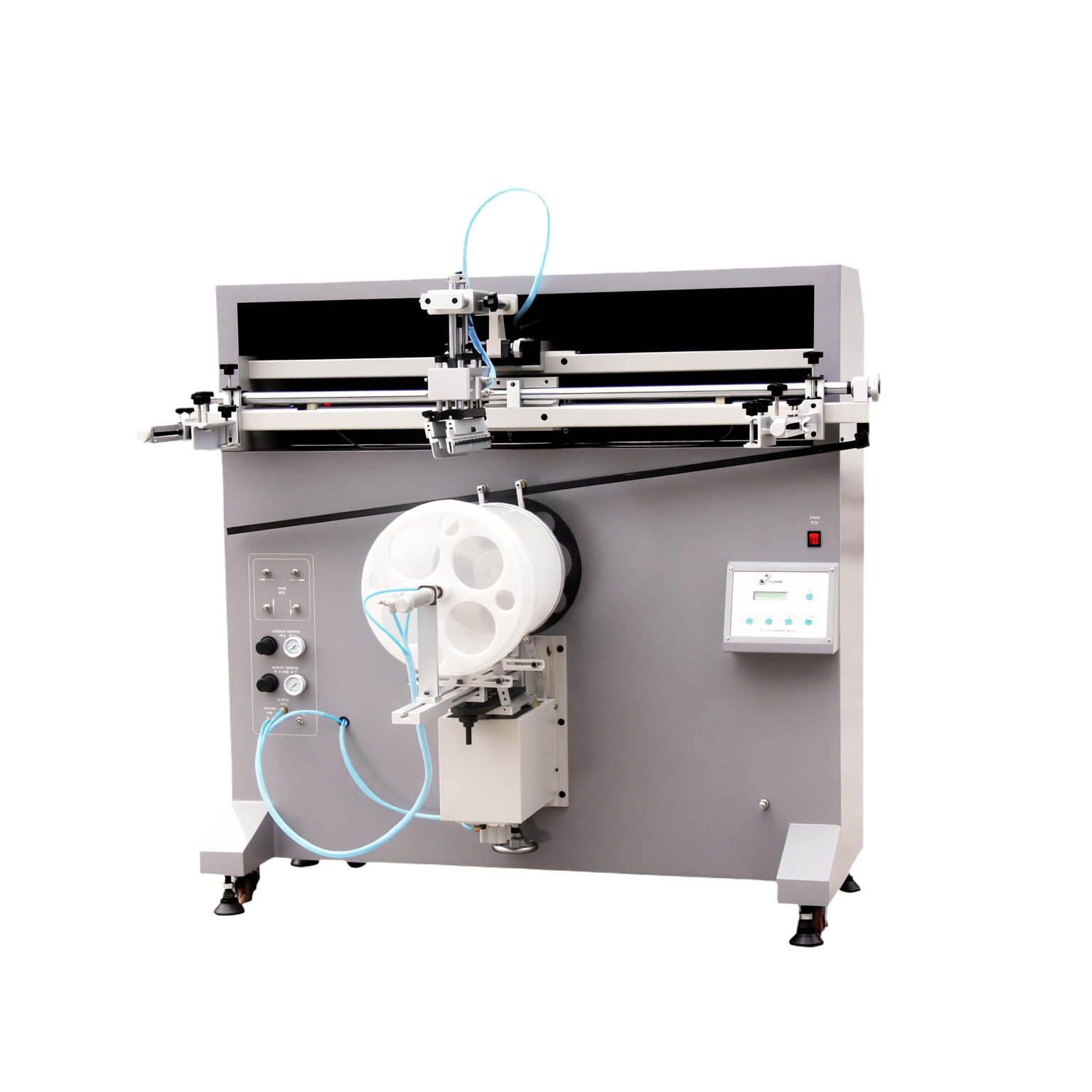
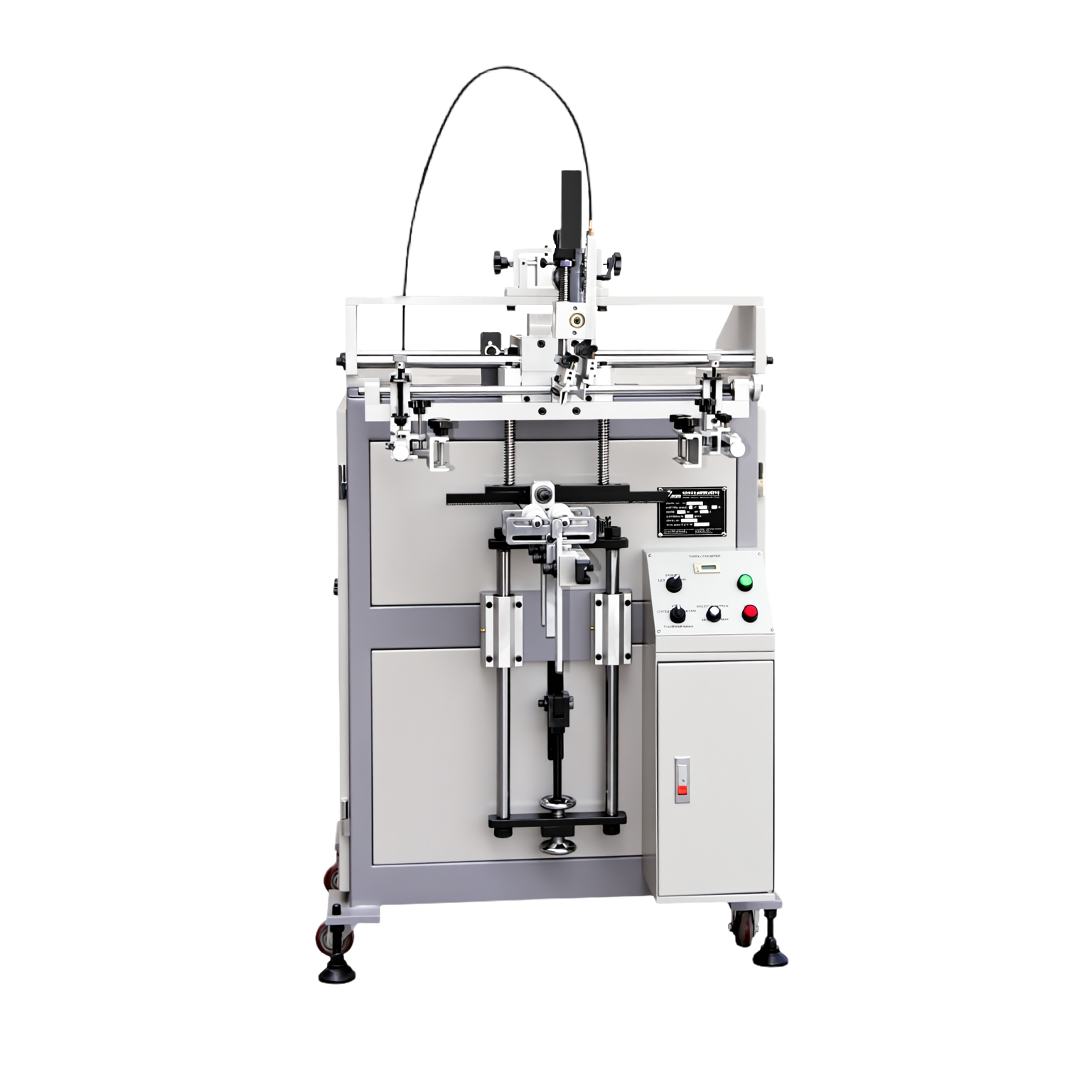
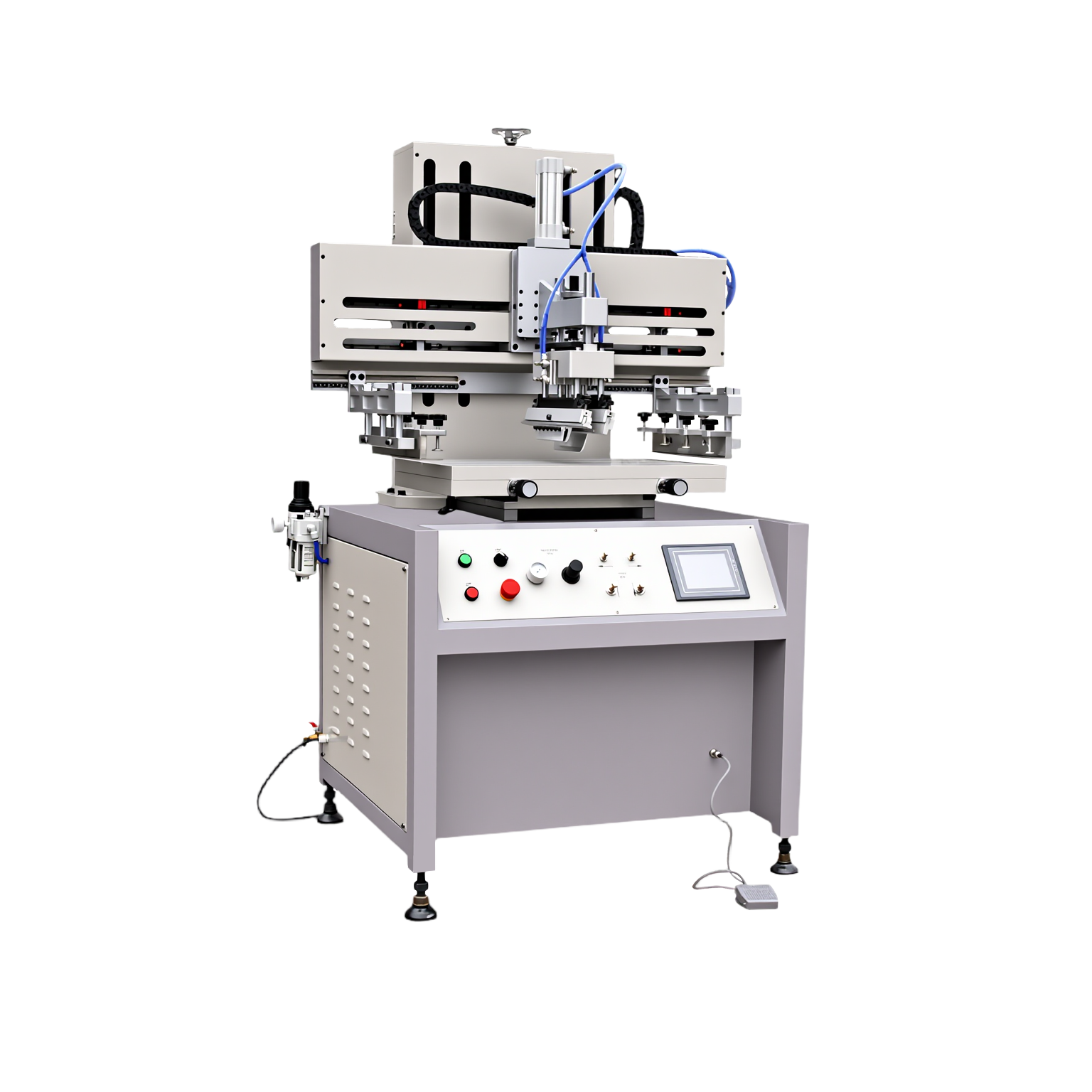
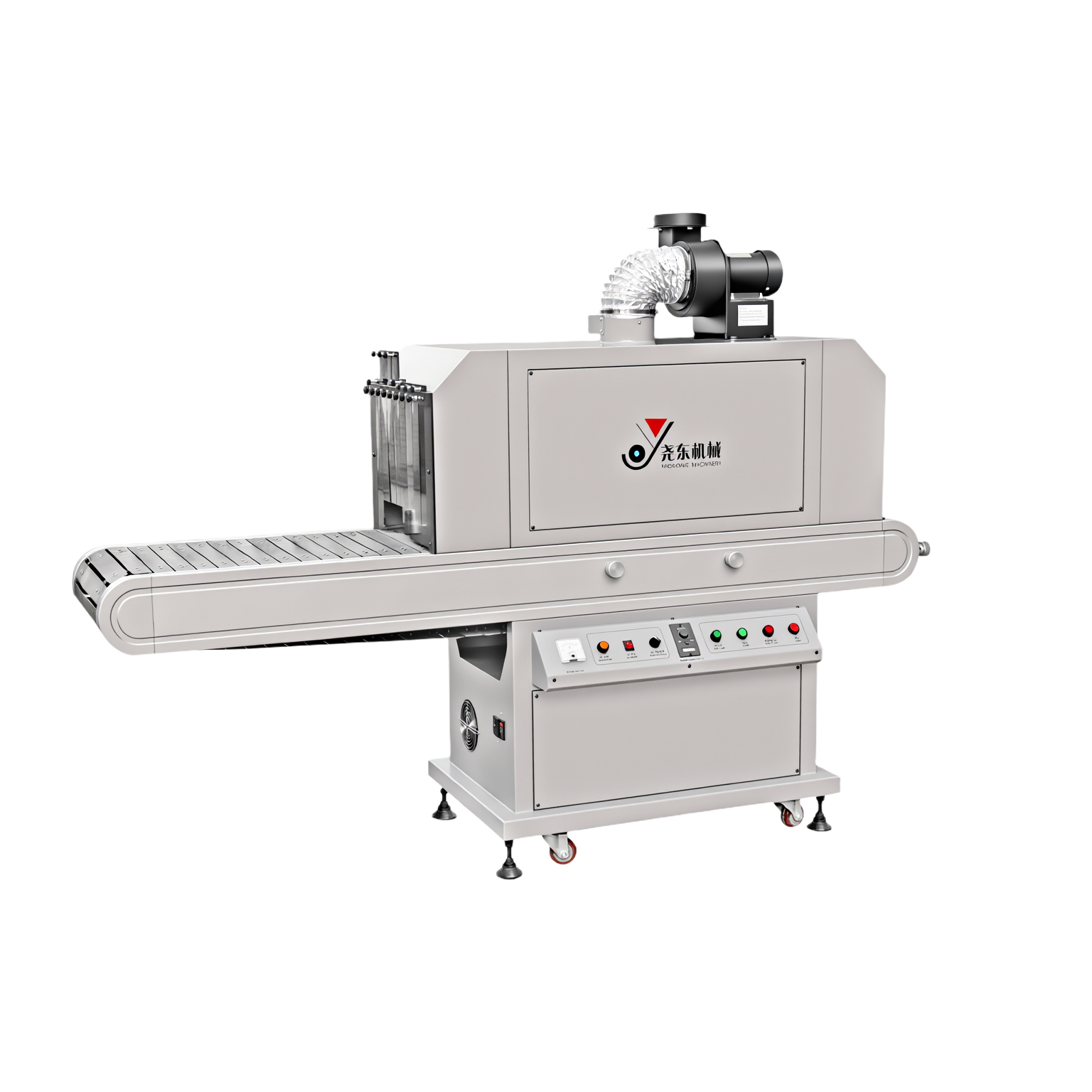
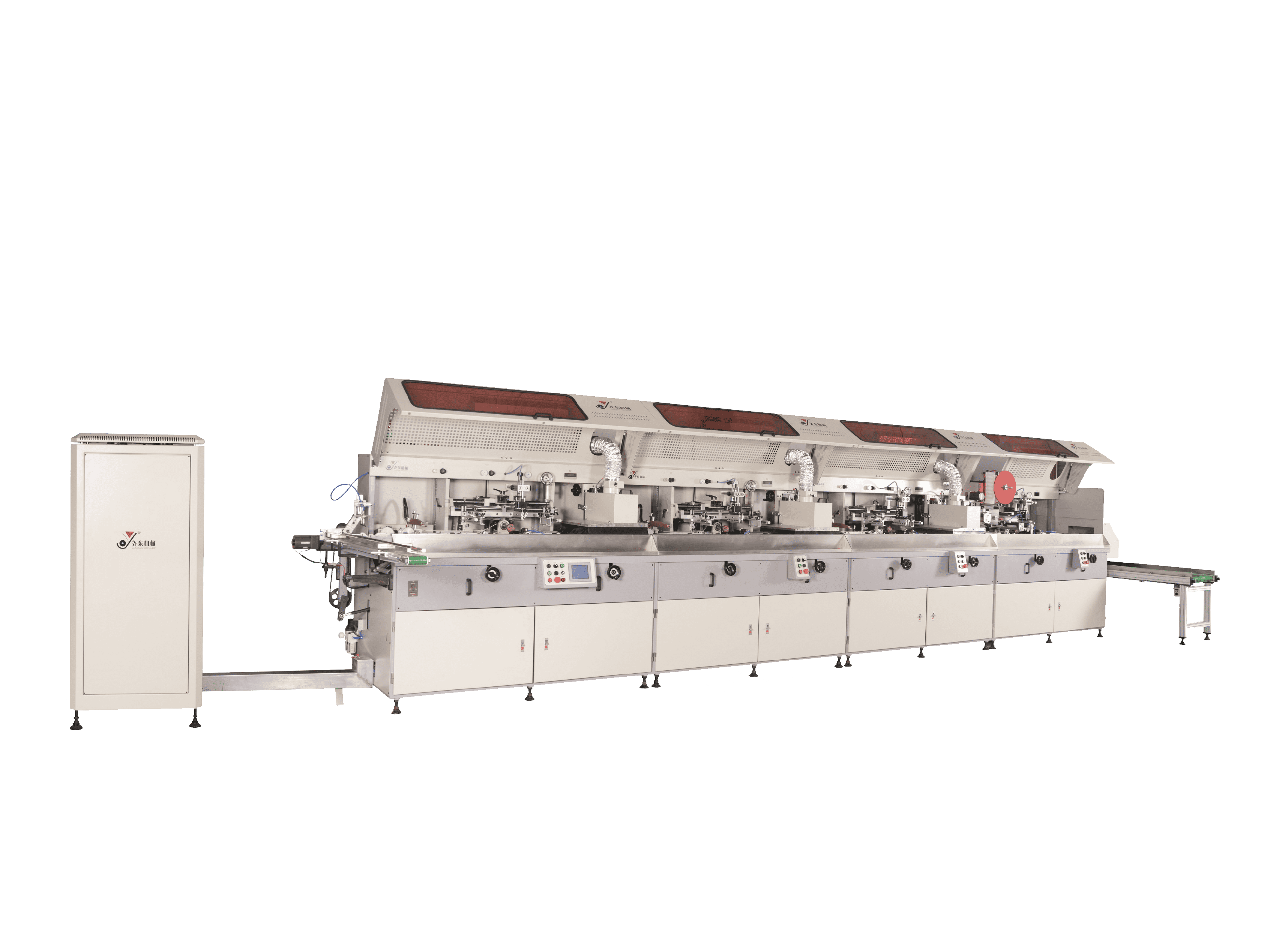
Yaodong Machinery is proud to present industry-leading solutions for automated printing, focusing on precision and defect elimination for global packaging manufacturers.
Introduction
In screen printing production, even minor variations in pressure, ink viscosity, mesh tension, or curing conditions can result in visible defects—such as blurred edges, color misalignment, poor adhesion, pinholes, or uneven ink coverage.
Reducing defect rates is not only a quality objective. It directly impacts material cost, production yield, and overall profitability. For manufacturers printing on bottles, jars, tubes, or other packaging containers, defect control is a key factor in achieving stable and scalable production.
1. Ensure Proper Pre-Press Treatment
Effective surface treatment is the foundation of ink adhesion and one of the most critical steps in reducing defects.
Common Pre-Press Processes:
- Electrostatic dust removal: Removes micro-dust that can cause pinholes, bubbles, or surface contamination.
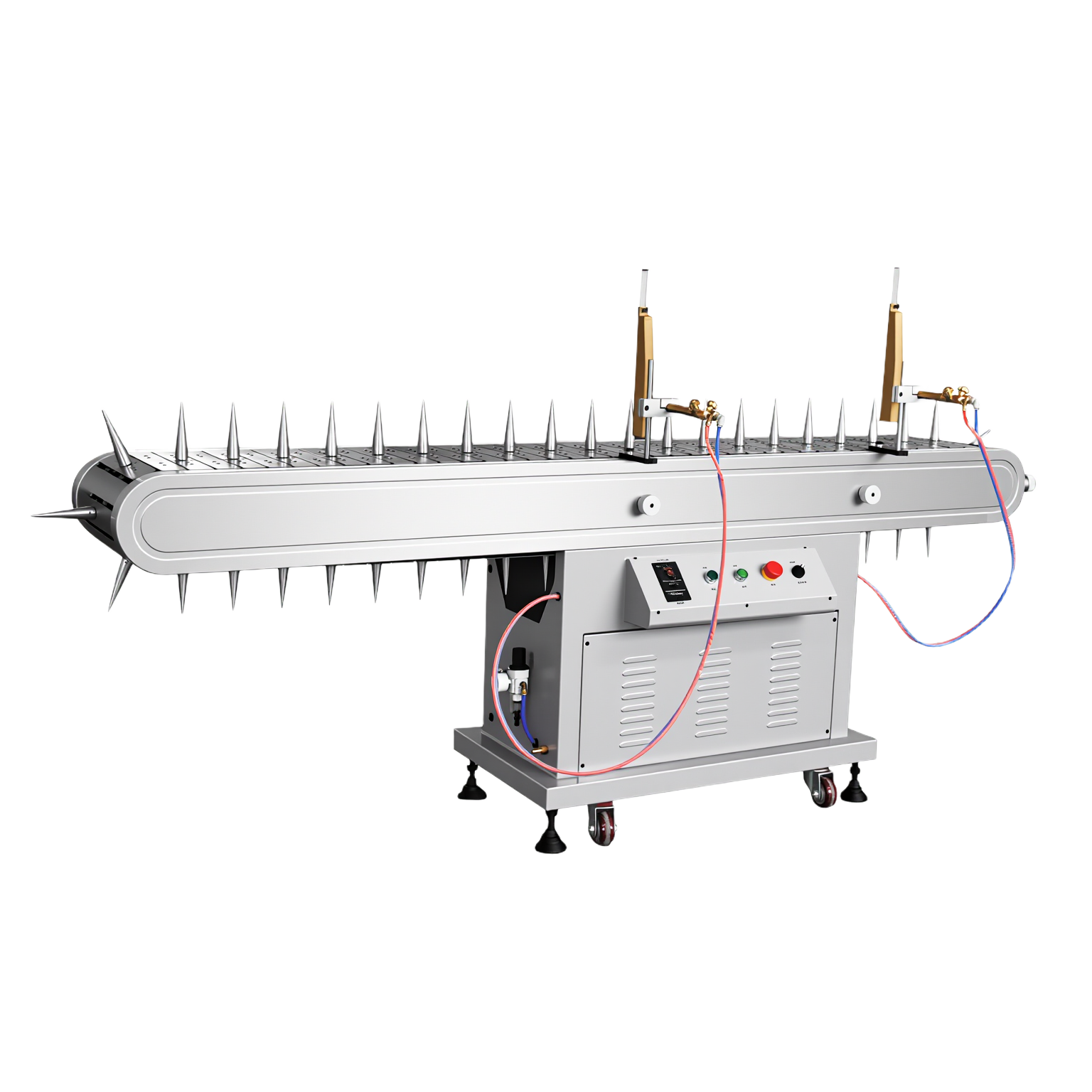
- Flame treatment: Improves surface tension and ink adhesion.
Note: For very soft plastic containers, flame treatment may be skipped to avoid deformation. - Plasma treatment: Suitable for high-value substrates or complex, irregular surfaces where higher adhesion consistency is required.
Quick Test Tip
Sprinkle a small amount of water on the surface:
- If the water spreads evenly → surface treatment is sufficient
- If the water beads up → additional treatment is needed
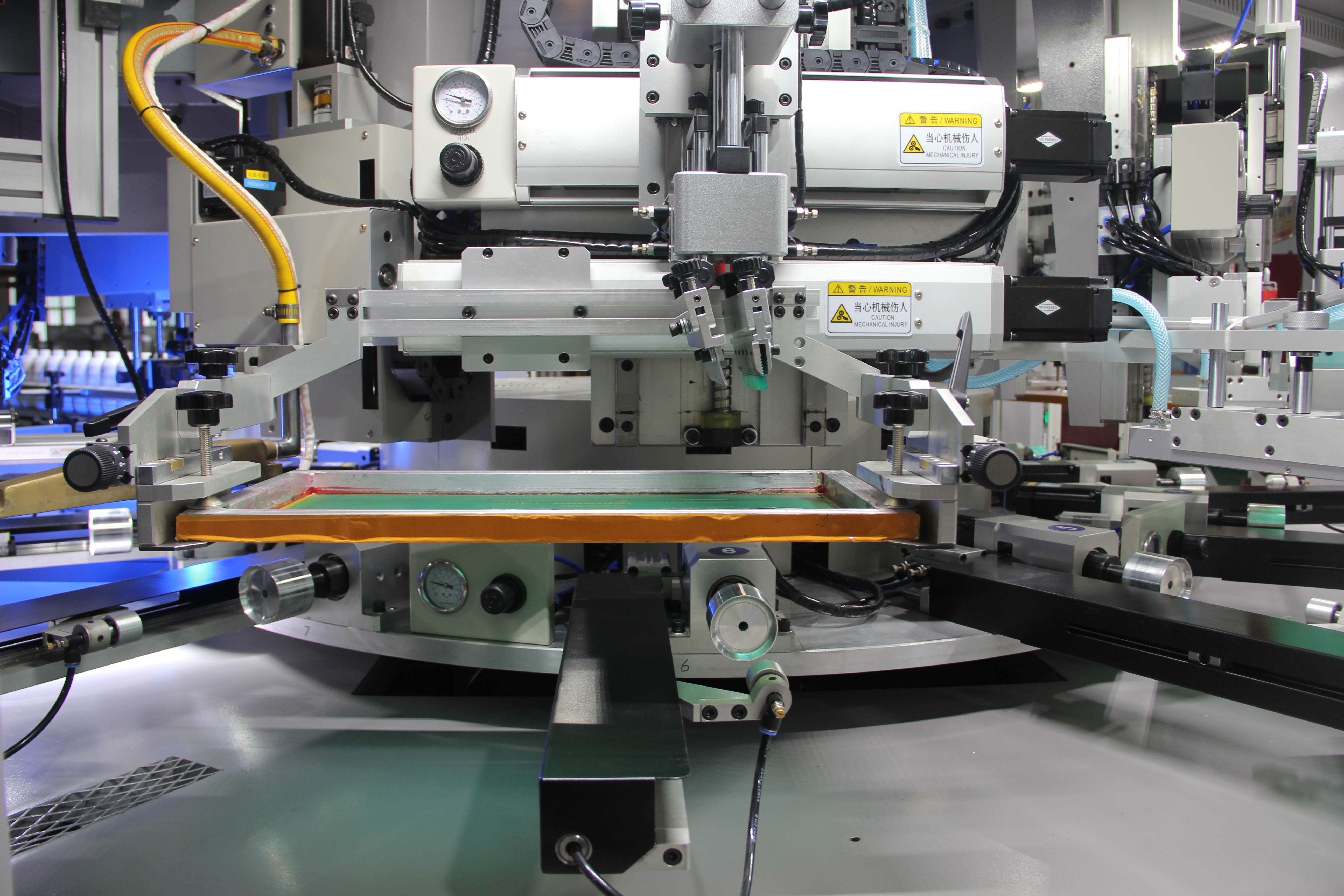
2. Optimize Squeegee Pressure and Angle
Squeegee pressure and angle directly affect ink transfer and edge definition.
- Excessive pressure can cause ink bleeding and blurred edges
- Insufficient pressure may result in light or incomplete prints
In addition, unstable pressure or inconsistent squeegee speed can lead to:
- Uneven ink distribution
- Color variation
- Streaks or pinholes
A steady, controlled stroke ensures consistent ink transfer and stable print quality.
Recommended setting:
- Squeegee angle: 65°–75° under most conditions
- Maintain constant pressure and moderate, consistent speed
3. Maintain Proper Mesh Tension
Proper mesh tension is essential for accurate registration and clean edges.
Low or uneven mesh tension can cause:
- Misregistration in multi-color printing
- Blurry edges
- Inconsistent ink thickness
Regularly check mesh tension using a tension meter and adjust as needed to ensure stability throughout production.
4. Keep Screens Clean and Free of Residual Ink
Dirty screens are a common but often overlooked source of defects.
Residual ink, dust, or dried particles can:
- Block mesh openings
- Cause streaks, pinholes, or incomplete prints
Routine screen cleaning and inspection help maintain open mesh structure and consistent ink transfer.
5. Control Ink Viscosity and Ink Layer Thickness
UV inks can dry quickly under exposure, making viscosity control critical.
Ink with improper viscosity may result in:
- Poor flow
- Uneven coverage
- Surface defects
Best Practices:
- Use thinner when necessary to maintain proper flow
- Stir ink evenly before and during production
- Avoid long idle times on the screen under UV light
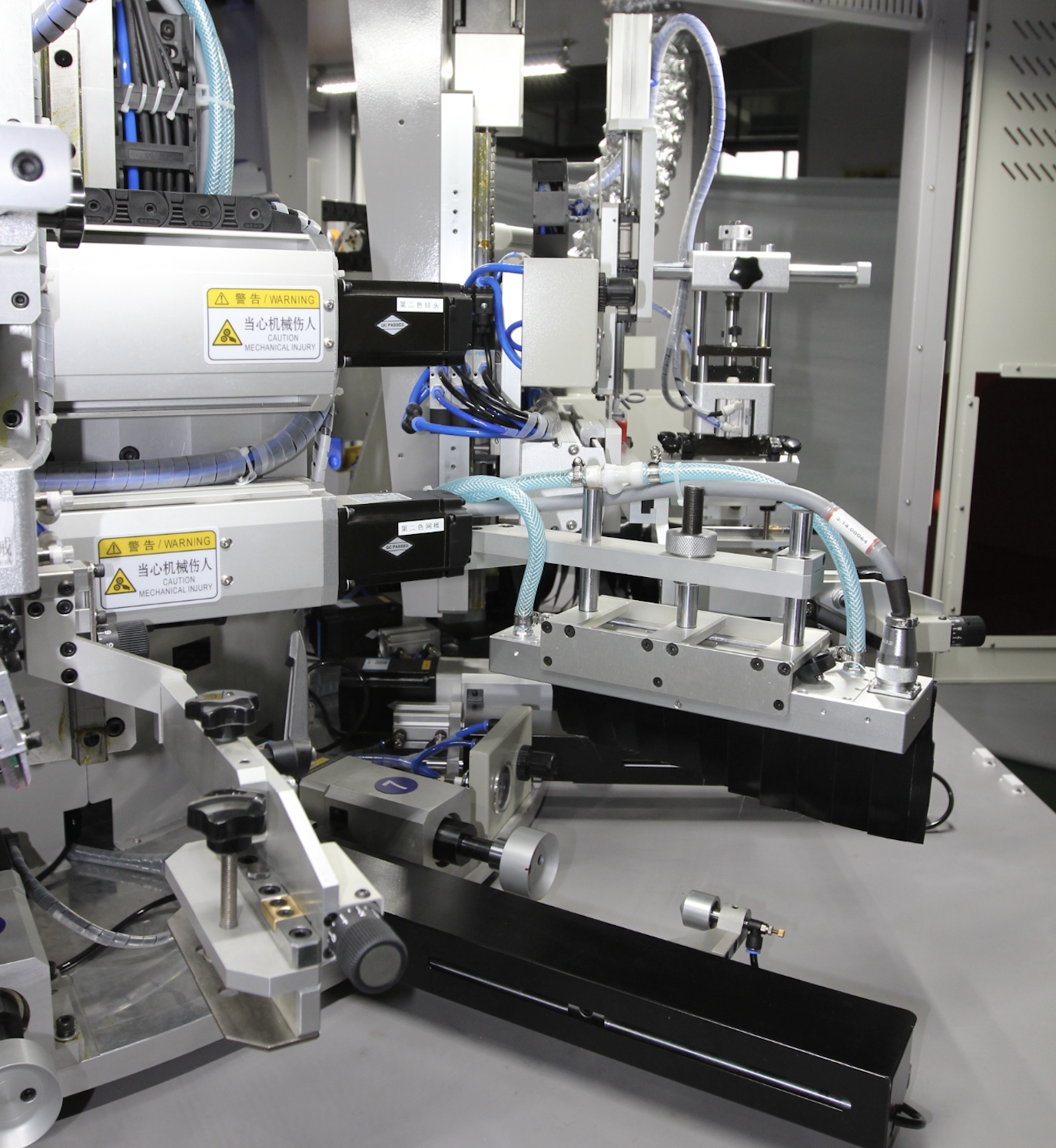
6. Ensure Fixture Stability
Fixture instability can cause misregistration, especially in multi-color printing.
Even small vibrations may lead to visible alignment errors.
Recommended Solutions:
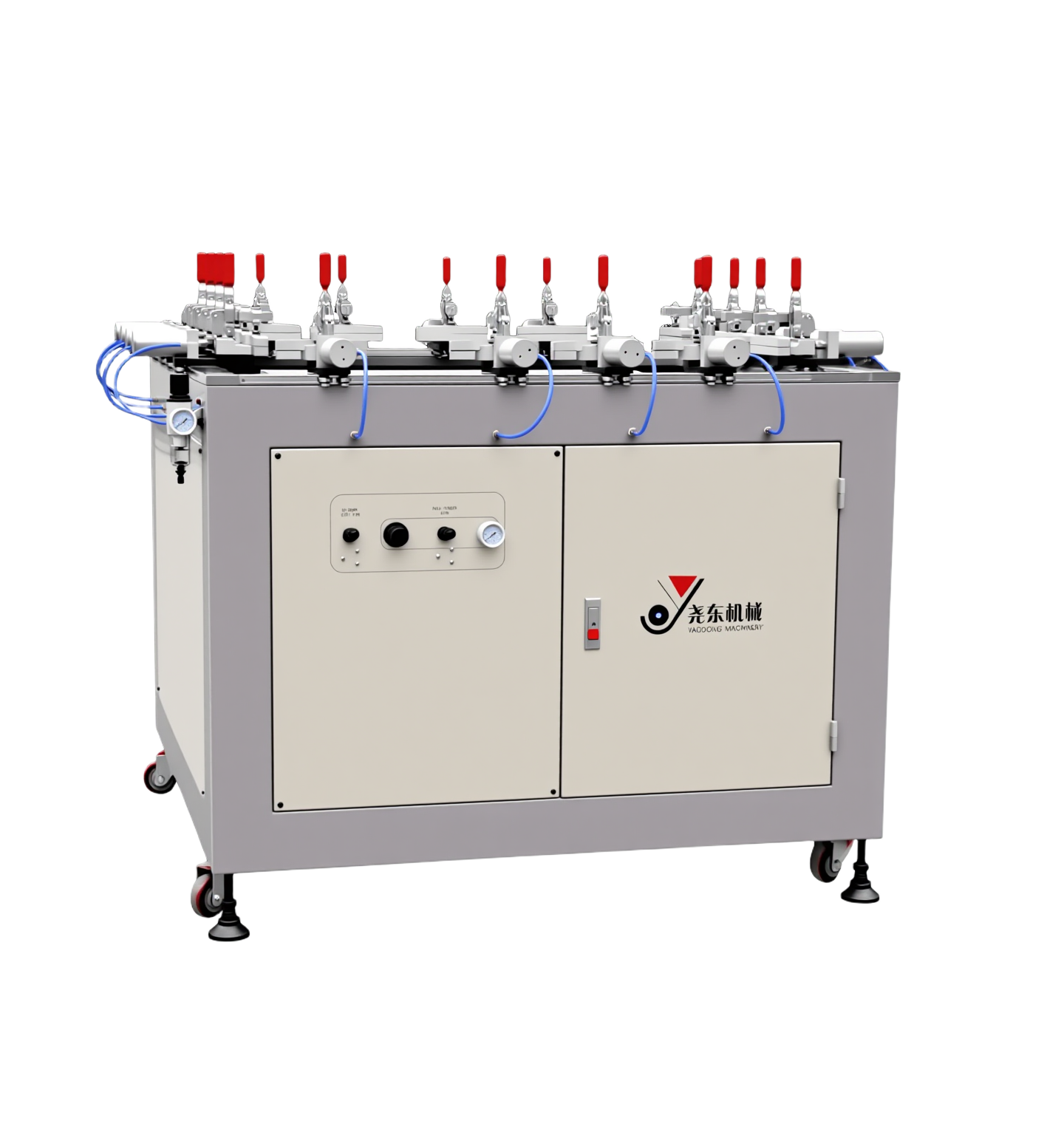
- Use CNC-machined fixtures for higher accuracy
- Check clamps, positioning pins, and locking mechanisms before production
Stable fixturing is essential for repeatable and precise printing.
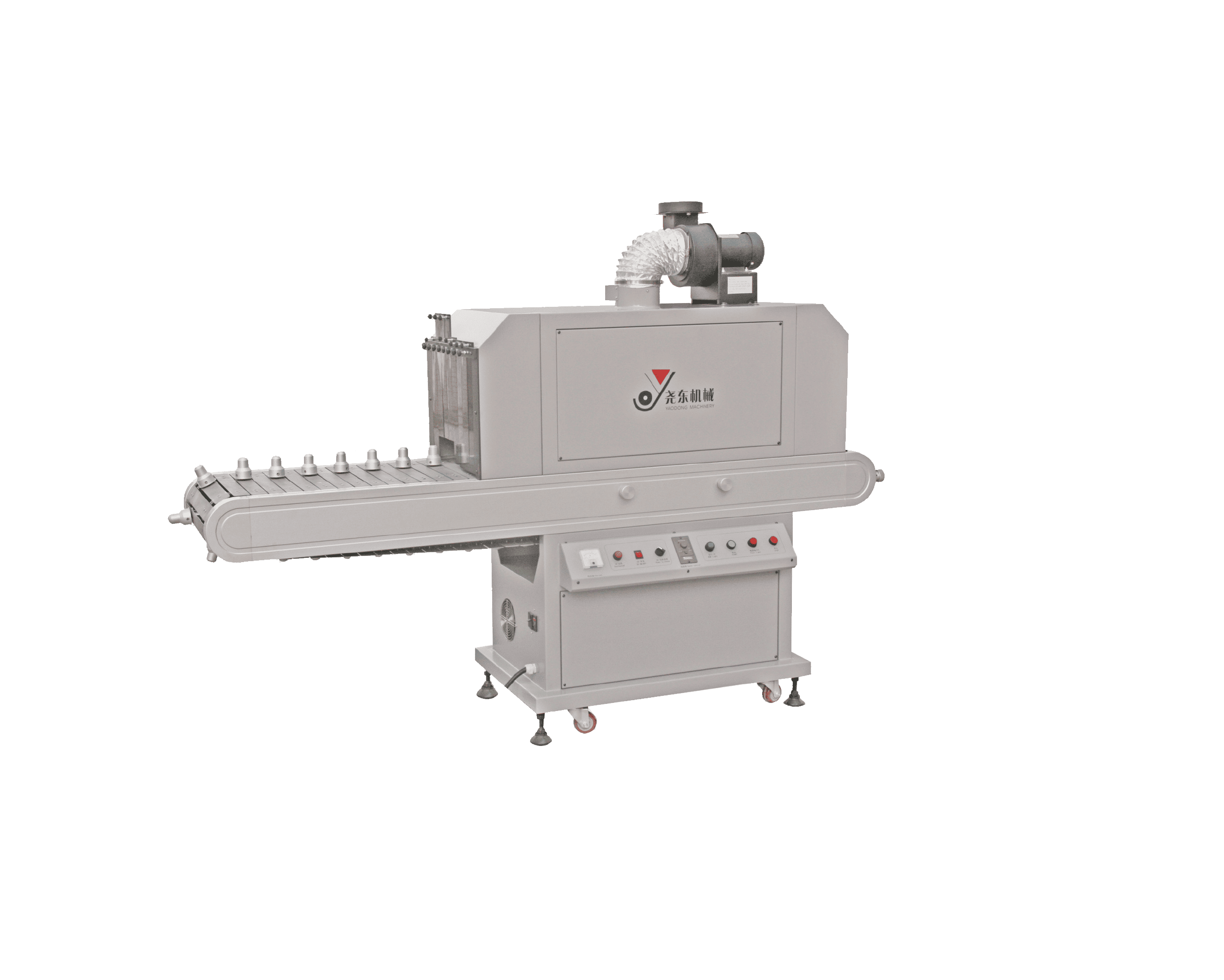
7. Control Curing Parameters
Improper curing is a common source of post-printing defects.
- Undercuring → ink remains sticky or lacks adhesion
- Overcuring → ink may become brittle or crack
Recommended Practice:
- Maintain lamp distance at 80–100 mm
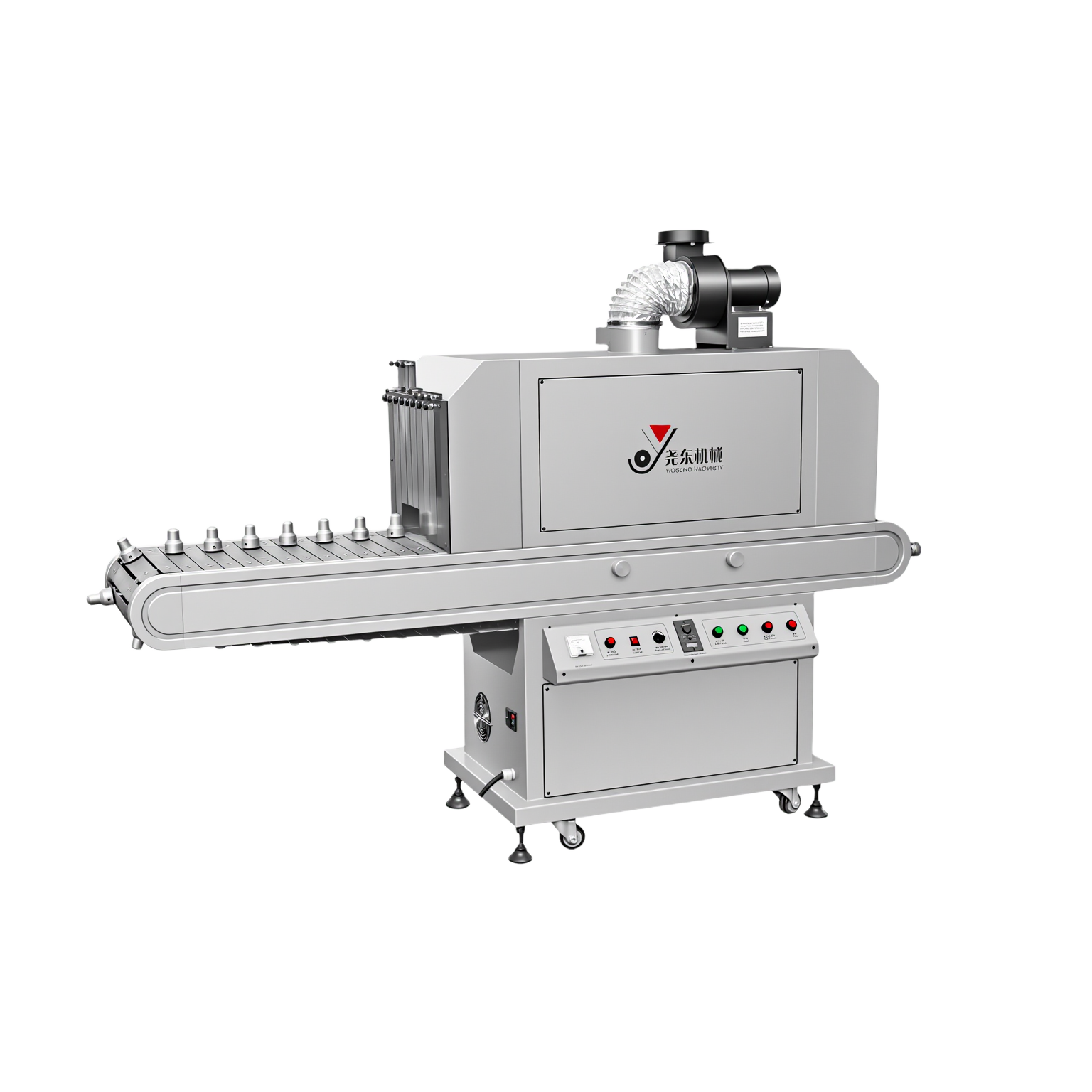
- Verify curing parameters based on ink type and substrate material
8. Use Vision Inspection After Printing
Manual inspection depends heavily on operator experience and can be inconsistent.
Automated vision inspection systems can detect:
- Blurred prints
- Missing images
- Dust contamination
- Color deviation
Vision systems operate in milliseconds and provide objective, repeatable results.
Factories adopting automated inspection often reduce defect rates by 30–80%.
9. Build a Training System and Standard Operating Procedures (SOP)
Operator skill level has a direct impact on defect rate.
A well-defined system should include:
- Standard operating procedures
- Troubleshooting guidelines
- Parameter records and adjustment logs
Consistent training and documentation significantly improve production stability and repeatability.
Reducing defects in screen printing is not achieved through a single adjustment. It requires a systematic optimization process—covering pre-press treatment, printing parameters, fixture accuracy, curing control, and inspection methods.

Liu Xiao
Yaodong Machinery
Conclusion
By combining stable machine performance, proper process control, and automated inspection, manufacturers can achieve lower defect rates, higher yield, and more reliable production, even under demanding conditions.
Frequently Asked Questions (FAQ)
Q: What is the most common cause of defects in screen printing?
A: Most printing defects are caused by process instability rather than a single factor. Common root causes include insufficient surface treatment, inconsistent squeegee pressure, improper mesh tension, unstable fixtures, incorrect ink viscosity, and improper curing parameters. Defect reduction requires systematic control across the entire printing process.
Q: Does higher mesh tension always improve print quality?
A: Stable and appropriate mesh tension improves registration accuracy and edge sharpness. However, excessively high tension may exceed mesh or frame limits and lead to premature screen damage. Mesh tension should always remain within the recommended range and be checked regularly during production.
Q: How often should screens be cleaned during production?
A: Screens should be cleaned whenever the machine stops running, even during short pauses. UV ink can begin to dry on the mesh once printing stops, which may block mesh openings and cause defects when production resumes.
In addition, screens should be cleaned immediately whenever print quality changes are observed, such as streaks, pinholes, uneven ink coverage, or incomplete prints. These issues often indicate ink buildup, partial mesh blockage, or surface contamination.
Regular preventive cleaning—both during downtime and at the first sign of quality deviation—is essential for maintaining stable ink transfer and consistent print quality throughout production.
Q: How does fixture stability affect defect rate in multi-color printing?
A: Fixture stability directly affects registration accuracy. Even small vibrations or positioning shifts can cause visible misalignment in multi-color printing. Using CNC-machined fixtures and regularly checking clamps and positioning pins helps maintain consistent positioning throughout the production run.